
Learnhub – Online Learning & Education HTML5 Template is a modern website template designed for online learning platforms, educational institutions, training centers, tutors, course creators, and e-learning businesses. Built around the needs of the education industry, Learnhub provides a website design foundation for presenting courses, introducing instructors, sharing educational resources, and helping learners discover relevant learning opportunities. Its HTML5-based structure makes it suitable for developers and website owners who want to create a customized education website with control over the underlying front-end code.
Whether you are launching an online course website, promoting a coaching institute, building a training company website, or establishing a digital presence for an educational organization, Learnhub can help you organize important information into a clear and professional format. You can adapt the available layouts, update the text and imagery, customize the visual identity, and integrate additional functionality according to your project’s requirements.
For educators, businesses, and developers looking for an education-focused website design, Learnhub offers a starting point for building an engaging online learning experience.
A successful education website should make it easy for visitors to discover courses, understand the learning experience, and find information about instructors or educational services. Learnhub is intended for education-related websites where structured content and clear navigation help users explore available opportunities.
The template can serve as a foundation for presenting course categories, featured programs, learning benefits, educational resources, and contact information, depending on the layouts included in the package. A well-organized page structure can help students move from discovering a course to reviewing its details and deciding whether it meets their needs.
You can customize the presentation to match different educational models, including academic institutions, professional training organizations, online tutoring services, and independent course creators. By using consistent typography, relevant imagery, and clear calls to action, you can create a website that reflects your institution’s identity and communicates its educational value.
Learnhub is an HTML5 website template intended for front-end website development. Unlike a WordPress theme or an Elementor Template Kit, an HTML template generally provides editable website files that developers can customize using HTML, CSS, JavaScript, and any other technologies included in the package.
This approach offers greater direct control over page markup, styling, and front-end behavior. Developers can modify existing sections, adjust layout components, replace images, and integrate the design into a broader website project.
HTML templates can also be useful for developers who prefer not to rely on a visual page builder for the main website interface. However, editing files and connecting server-side functionality may require technical knowledge.
The exact libraries, frameworks, plugins, and dependencies included with Learnhub should be verified through its official product documentation.
Education covers a wide range of learning formats, from school-based instruction to specialized professional training. Learnhub can be adapted to represent different educational services, subject to the available layouts and your customization requirements.
Potential applications include:
These are possible use cases rather than a guarantee that every type of page or feature is included in the template.
Course discovery is an important part of many learning websites. Visitors typically want to understand what a course covers, who teaches it, what skills they can gain, and whether the course suits their current knowledge level.
You can customize the available content areas to present course titles, subject categories, short descriptions, learning objectives, and other relevant details. If the supplied template includes course cards or listing layouts, these can be adapted to display your educational offerings in a consistent format.
A useful course presentation may include:
Keep course information accurate and easy to scan. If course prices, ratings, enrollment counts, or completion certificates are displayed, make sure they reflect genuine information and are supported by your actual service.
A static HTML template does not automatically provide a dynamic course catalog or database. Searchable listings, automatic filtering, student enrollment, and live course updates may require JavaScript enhancements, a backend, or integration with a learning management system.
Instructors play an important role in helping learners decide which course or institution to trust. A dedicated instructor presentation can introduce educators, highlight their expertise, and explain their teaching approach.
You can adapt suitable content sections to include instructor photographs, professional biographies, subject specialties, qualifications, and relevant experience. These profiles can help students understand who will guide their learning and what knowledge the instructor brings to the subject.
For training organizations with multiple educators, consistent profile layouts can make the website easier to browse and maintain. For independent tutors, a detailed personal introduction can communicate teaching philosophy and the types of learners they support.
Only publish verified credentials, qualifications, and professional achievements. If the template does not include dedicated instructor pages, similar information may be presented using customized content sections.
Students may explore educational websites from desktop computers, tablets, and smartphones. A responsive layout helps make course information and navigation accessible across different screen sizes.
When supported by the supplied template, responsive styling can adjust page sections, columns, typography, images, and navigation for smaller displays. This is particularly useful for learners who browse courses or access educational information while away from their computers.
After customization, test the website on multiple devices and screen sizes. Check that navigation menus work correctly, course information remains readable, images display properly, and calls to action are easy to select.
Forms should also be reviewed on mobile devices to ensure that fields, labels, and buttons remain usable. The final responsive behavior depends on the included code, browser support, external libraries, and any modifications you make.
A consistent visual identity helps an educational organization appear recognizable and professional. Learnhub’s editable HTML, CSS, and related front-end files can provide a foundation for customizing the website to match your institution or business.
Depending on the supplied files, customization may include:
An academic institution may prefer a structured and traditional appearance, while a modern online training business might use a more vibrant, technology-oriented visual style. Customize the design according to your target audience rather than relying on generic educational imagery.
Because this is an HTML template, changes may involve editing source files directly. Familiarity with HTML and CSS is helpful, particularly when modifying multiple pages or implementing more advanced visual adjustments.
Search engines can help prospective students discover educational services, courses, and training programs. A well-organized website provides a foundation for presenting relevant information, but using an HTML template alone does not guarantee high rankings or organic traffic.
To improve your website’s search visibility, consider these practices:
For local educational businesses, include accurate location and contact information on relevant pages. Online education providers can focus on course topics, learner needs, and the subjects they genuinely teach.
More advanced features, such as structured data, dynamic metadata, or automated sitemaps, may require additional code or third-party tools.
A responsive, fast-loading website makes it easier for learners to access course information and navigate between pages. Performance depends on the quality of the code, the size of media files, external resources, and the hosting environment.
To support a smooth experience, optimize images, remove unused assets, avoid unnecessary scripts, and use suitable file compression and caching where available. Review any external fonts, icon libraries, and JavaScript dependencies to determine whether they are required.
Test important pages after customization to identify layout shifts, broken images, JavaScript errors, or slow-loading sections. If the website includes video previews or other large media elements, consider how they affect mobile performance.
A template provides a starting point rather than a guarantee of a specific performance score. The final result will depend on implementation and ongoing optimization.
An HTML5 education template can serve as the front-end presentation layer for a broader learning platform. If you plan to deliver courses online, you may eventually need functionality beyond static web pages.
Depending on your project, additional systems may be required for:
These capabilities are not automatically provided by an HTML template. They generally require backend development, a learning management system, a suitable third-party service, or a custom integration.
Before choosing your technical architecture, decide whether you need a marketing website that promotes courses or a fully functional platform where students log in and complete lessons. This distinction will help determine how Learnhub should be customized and what additional software is necessary.
A clear inquiry process can help educational businesses convert website visitors into prospective students. You can adapt the available contact sections to display telephone numbers, email addresses, office locations, and other relevant contact details.
If the template includes contact form markup, a working form may still require server-side processing or a compatible form service. HTML alone cannot securely store inquiries or guarantee email delivery.
For educational inquiries, useful fields may include the student’s name, preferred course, contact information, and a short message. Avoid requesting unnecessary personal information.
Before publishing, test form validation, successful submission behavior, spam protection, and message delivery. If you connect a third-party service, review its privacy and data-handling requirements.
Keeping an education website reliable requires ongoing maintenance. Although HTML templates can provide a straightforward front-end foundation, security also depends on hosting, integrations, form handling, and any backend services connected to the site.
Use secure hosting with HTTPS, keep external libraries updated, validate form submissions on the server, and avoid placing secret API keys or credentials in public front-end code. If you add student accounts or payment functionality, use established authentication and payment solutions rather than relying on static HTML pages.
Review links, images, forms, and navigation after making changes. Maintain backups of customized files and document any external dependencies to simplify future updates.
If Learnhub is integrated into a larger learning platform, the security requirements of that backend should be evaluated separately.
Getting started with Learnhub generally involves downloading the supplied files and configuring them for your website hosting environment.
A typical workflow includes:
The exact setup process may differ depending on the included folder structure and dependencies. A static HTML website may be hosted on standard web hosting, but dynamic features require the appropriate supporting services or server-side code.
Learnhub may be suitable for several types of education-focused projects.
The template is particularly relevant to users who want direct access to website source files and are comfortable customizing a front-end design.
Before using Learnhub, review the official product listing, live demo, documentation, included page layouts, and license terms. Confirm which assets, libraries, and dependencies are supplied and whether any additional tools are required.
Also verify whether the included pages are static HTML layouts or already connected to any dynamic services. Course enrollment, user accounts, online payments, learning dashboards, and progress tracking should not be assumed to be included unless explicitly documented.
Understanding these distinctions helps you estimate the development effort and choose the right hosting and technology stack for your education website.
Learnhub – Online Learning & Education HTML5 Template provides a customizable starting point for building a professional website for online learning services, educational institutions, training centers, and independent educators. Its HTML5-based approach offers developers direct access to the front-end files, making it possible to adapt the design, update educational content, and create a website aligned with a specific brand identity.
By combining clear course information, useful instructor profiles, responsive layouts, optimized images, and effective inquiry options, you can build a website that helps prospective students understand your offerings and discover relevant learning opportunities.
For developers, freelancers, education businesses, and digital agencies seeking an education-oriented website foundation, Learnhub is worth evaluating against its official demo and documented requirements before implementation.
1. All digital products are the most recent version, with no possibility of free updates. After payment, you can request an update to the most recent version for 5 days if a new version is released. We free support within 5 days.
2. If a license is required (Excludes WHMCS license , we provide only method not license), please contact us via email or ticket for assistance with activation. Our license is only valid for activation and does not include support.
3. We provide Mobile, PHP script installation services for $19.90 / ₹1700. Please create a backup after installation as we do not support re-installation. For mobile app source code, we do not offer installation services.
4. If you have any questions, please contact us by email [email protected] or create a ticket on this page
5. Please note that any digital products presented on the website do not contain malicious code, viruses or advertising. You will receive the original files from the developers. We do not sell any products that have been downloaded from other websites.
6. The response time can last up to 6 hours.
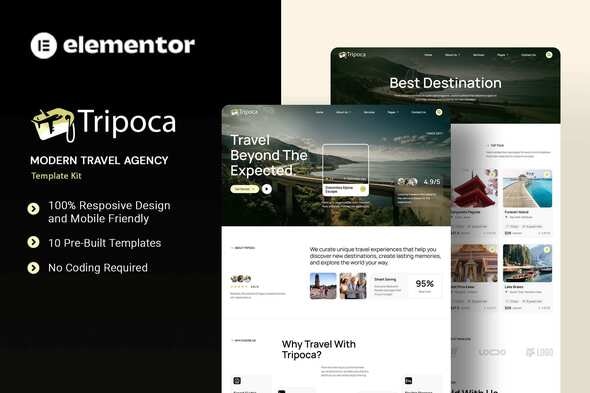
Tripoca - Modern Travel Agency Elementor Template Kit Tripoca is a modern and professionally designed Travel Agency Elementor Template Kit created for...
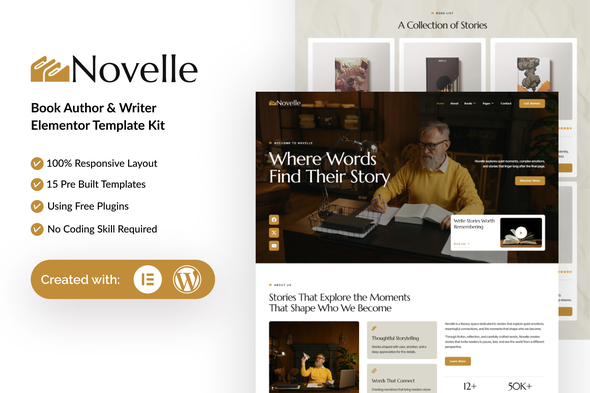
Novelle - Book Author & Writer Elementor Template Kit Novelle – Book Author & Writer Elementor Template Kit is an elegant and...
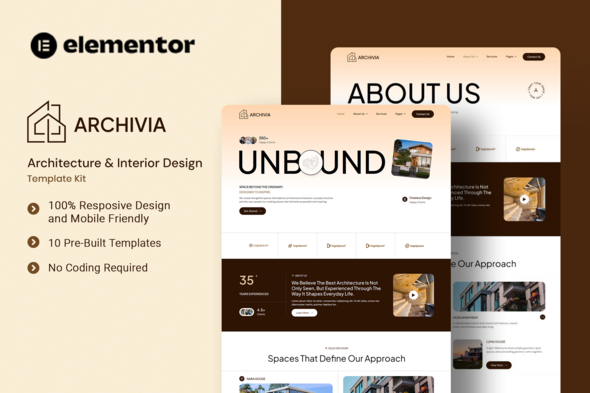
Archivia - Architecture & Interior Design Elementor Template Kit Archivia – Architecture & Interior Design Elementor Template Kit is a modern and...
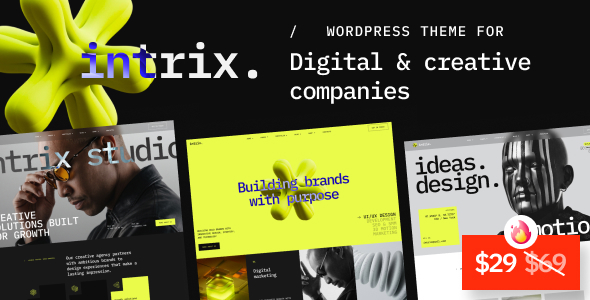
Intrix - Digital & Creative Agency WordPress Theme Intrix - Digital & Creative Agency WordPress Theme is a premium Digital & Creative...
