
Doku – Software Documentation & Knowledge Base WordPress Theme is a professional WordPress theme designed for creating organized software documentation websites, online knowledge bases, help centers, and technical support portals. With a clean layout and a content-focused design, Doku helps businesses, software developers, SaaS companies, startups, and digital product creators present technical information in a structured and user-friendly format. It provides a suitable foundation for building documentation websites where visitors can quickly find installation guides, product tutorials, troubleshooting instructions, FAQs, and other essential resources.
Doku is designed to make technical content easier to read, navigate, and understand. A well-organized documentation layout allows visitors to explore different topics without feeling overwhelmed by large amounts of information. The theme is suitable for businesses that need a dedicated online resource for explaining their software products, digital services, applications, APIs, or web-based platforms.
Its documentation-focused design helps create a consistent experience across different content sections, making it easier for users to browse articles, understand instructions, and find answers to common questions.
One of the primary purposes of Doku is to support the creation of detailed software documentation. Developers and software companies can organize their content into logical categories, making technical information more accessible to customers and team members.
You can use a documentation website to publish software installation instructions, configuration guides, feature explanations, system requirements, frequently asked questions, and troubleshooting articles. This structure helps visitors understand how a product works and how to resolve common issues independently.
A centralized knowledge base also makes it easier to maintain consistent documentation as your software or service evolves.
Doku is a suitable option for SaaS companies, technology startups, software development agencies, and businesses offering subscription-based digital services. These organizations often need a reliable place to explain product functionality, introduce new features, and guide customers through different workflows.
A dedicated documentation portal can complement your main business website by providing detailed information without overcrowding marketing pages. It can also help customers learn how to use a product after signing up, improving the overall onboarding experience.
Clear navigation is essential for a successful knowledge base. Doku’s documentation-oriented approach supports presenting information in an organized format so users can move between topics and related resources.
You can structure content around product modules, software versions, user roles, or specific features. For example, a project management application might organize its documentation into Getting Started, Account Settings, Projects, Team Management, Integrations, Billing, and Troubleshooting.
This logical organization helps visitors locate relevant instructions and provides a foundation for maintaining a growing library of technical content.
Doku can serve as a central location for educational and support-oriented content. Businesses can publish step-by-step tutorials, frequently asked questions, setup instructions, and solutions to common problems.
Well-written tutorials help new users understand product features, while troubleshooting guides can help experienced users resolve technical difficulties. FAQs provide concise answers to recurring questions, reducing the need to repeat the same information across multiple support channels.
Together, these resources can make customer support more efficient and improve the accessibility of product knowledge.
Software developers frequently require detailed technical references explaining how to install, configure, integrate, and extend an application. Doku provides a WordPress-based foundation for publishing this type of documentation.
Development teams can organize programming guides, configuration references, integration instructions, and technical explanations into dedicated sections. API documentation projects may also use a knowledge base to explain authentication concepts, endpoints, parameters, workflows, and integration procedures.
For advanced API reference functionality, interactive code examples, or automatically generated documentation, additional plugins or custom development may be required.
Because Doku is a WordPress theme, it can be used within the familiar WordPress content management environment. Website administrators can manage documentation pages, edit articles, organize content, and update published information through the WordPress dashboard.
WordPress also provides an extensive ecosystem of plugins for SEO, search functionality, forms, analytics, security, caching, and other website management requirements. Depending on the theme’s compatibility and configuration, these tools can extend the capabilities of a documentation portal.
This flexibility makes WordPress a practical choice for businesses that want to maintain documentation without building an entire content management system from scratch.
Search functionality is an important part of any large documentation website. Visitors should be able to locate specific instructions without manually opening every article or category.
A well-structured knowledge base can combine descriptive article titles, meaningful headings, organized categories, and relevant internal links to improve content discoverability. If the theme or installed search solution supports suitable indexing, visitors can use search to locate relevant documentation more efficiently.
For public documentation, search engine optimization can also help users discover helpful tutorials through Google and other search engines. SEO plugins can assist with metadata, XML sitemaps, canonical URLs, and other optimization tasks.
A documentation website should remain practical across desktop computers, tablets, and mobile devices. Responsive layouts help visitors access technical information from different screen sizes, whether they are following instructions at a workstation or checking a guide on a mobile phone.
A readable content layout, clear navigation, and appropriately formatted technical information contribute to a more comfortable browsing experience. Before publishing a live website, administrators should test documentation pages, navigation elements, code examples, and search behavior across common devices and browsers.
Doku can be considered for a variety of documentation and knowledge-sharing projects, including:
A structured documentation website can deliver practical benefits to both businesses and their customers. By making product information available in one place, organizations can provide more consistent answers and help users solve routine problems independently.
Documentation also supports onboarding by giving new customers a clear starting point. Development teams can maintain reference material for product features and technical workflows, while support teams can direct customers to relevant articles instead of repeatedly explaining the same procedures.
For digital product marketplaces and software vendors, documentation can improve the post-purchase experience by giving customers convenient access to setup instructions, usage guidance, and troubleshooting information.
WordPress allows website owners to adapt their websites to their branding and content requirements. Depending on the theme’s included customization options, you may be able to adjust colors, typography, layouts, logos, menus, and other visual elements.
Additional WordPress plugins may provide features such as contact forms, feedback collection, analytics, advanced search, multilingual content, and access restrictions. Compatibility should be checked before installing third-party extensions, particularly when building a large documentation portal or integrating membership functionality.
For organizations with specialized requirements, custom development can extend the website with features such as version-specific documentation, user permissions, product-based knowledge bases, or advanced content workflows.
Doku – Software Documentation & Knowledge Base WordPress Theme offers a documentation-focused starting point for businesses and developers who want to build a professional online help center, software documentation portal, or knowledge base using WordPress. Its intended use cases include technical tutorials, product guides, FAQs, troubleshooting resources, and structured information for software and digital services.
Whether you are launching a SaaS platform, publishing developer resources, supporting a software product, or organizing internal company knowledge, Doku can help provide a dedicated environment for presenting useful information. Review the theme’s official feature list, included layouts, supported plugins, and compatibility requirements to confirm that it meets your specific project needs before installation.
1. All digital products are the most recent version, with no possibility of free updates. After payment, you can request an update to the most recent version for 5 days if a new version is released. We free support within 5 days.
2. If a license is required (Excludes WHMCS license , we provide only method not license), please contact us via email or ticket for assistance with activation. Our license is only valid for activation and does not include support.
3. We provide Mobile, PHP script installation services for $19.90 / ₹1700. Please create a backup after installation as we do not support re-installation. For mobile app source code, we do not offer installation services.
4. If you have any questions, please contact us by email [email protected] or create a ticket on this page
5. Please note that any digital products presented on the website do not contain malicious code, viruses or advertising. You will receive the original files from the developers. We do not sell any products that have been downloaded from other websites.
6. The response time can last up to 6 hours.
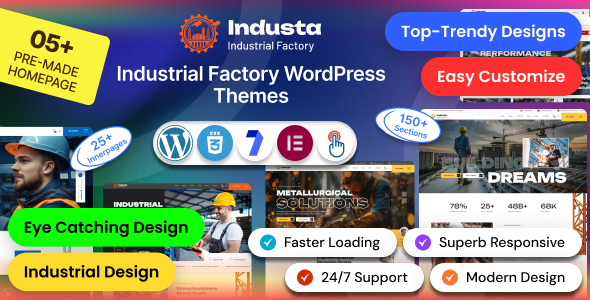
Industa - Factory & Industry WordPress Theme Industa is a powerful and professionally designed Factory & Industry WordPress Theme created for manufacturing...
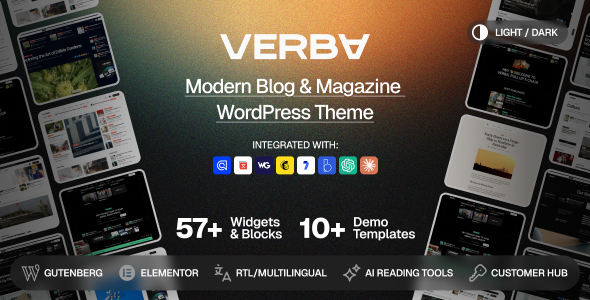
Verba – Modern Blog & Magazine WordPress Theme Verba – Modern Blog & Magazine WordPress Theme is a modern, elegant, and versatile...

HouseList – Real Estate Listing & Property Marketplace WordPress Theme HouseList is a modern, professional, and feature-focused Real Estate Listing & Property...
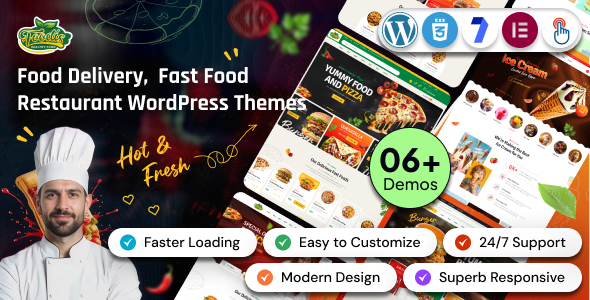
Foodis – Restaurant & Fast Food WordPress Theme Foodis – Restaurant & Fast Food WordPress Theme is a modern, stylish, and versatile...
